

Many Nigerians now need a Tax Identification Number for banking, employment, business registration, and government services. To make the process easier, the Federal Inland Revenue Service (FIRS) now allows individuals to retrieve their Tax ID using their National Identification Number (NIN).
You can obtain your Tax ID in Nigeria online by using your NIN through the official FIRS Tax ID portal. The process is free, fully online, and takes only a few minutes if your details are correct.
What Is a Tax Identification Number (Tax ID)?
A Tax Identification Number, often called Tax ID or TIN, is a unique number issued by the Federal Inland Revenue Service. It is used to track tax records for individuals and businesses.
For individuals, a Tax ID is required for:
- Opening certain bank accounts
- Government programs and grants
- Employment documentation
- Business and professional transactions
With the integration of NIN into government systems, retrieving a Tax ID has become easier.
Who Can Use the NIN Method to Get a Tax ID?
The NIN-based Tax ID retrieval is for individuals who:
- Are Nigerian citizens or legal residents
- Have a valid and active NIN
- Have personal details that match NIN records
You do not need to own a registered business to use this method.
Requirements Before You Start
Before visiting the portal, make sure you have:
- Your 11-digit National Identification Number
- Correct spelling of your first and last name
- Your date of birth as registered with NIMC
- Internet access on your phone or computer
Your details must match exactly with your NIN records.
Step-by-Step Guide: How to Obtain Your Tax ID Using NIN
Follow the steps below carefully:
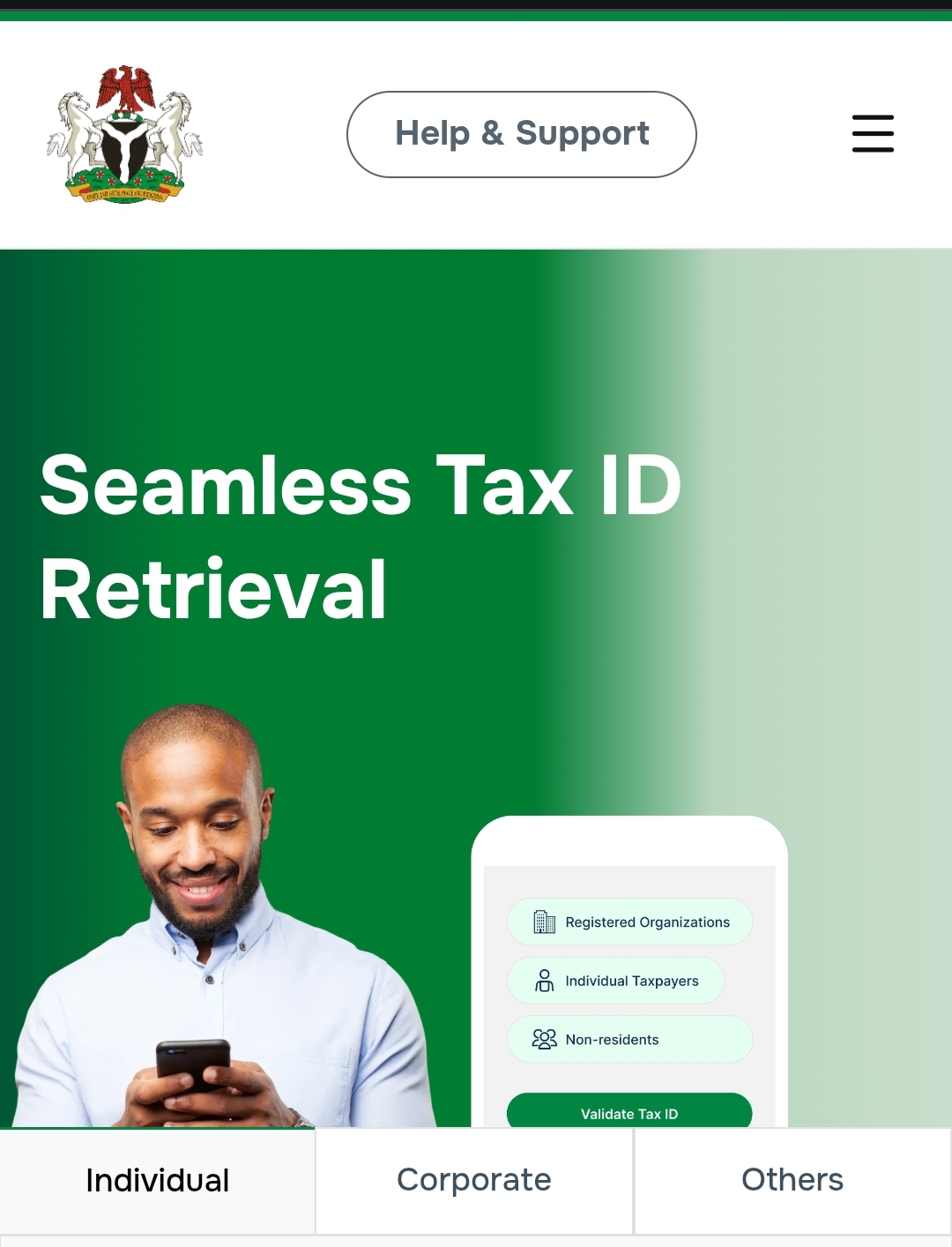
Step 1: Visit the Official Tax ID Portal
Go to the official FIRS Tax ID website:
https://taxid.firs.gov.ng/
Step 2: Select “Individual”
On the homepage, click on Individual to continue.
Step 3: Choose NIN as Your Retrieval Method
From the Tax ID Retrieval Method dropdown menu, select NIN.
Enter your 11-digit NIN in the field provided.
Step 4: Click “Retrieve Tax ID”
After entering your NIN, click Retrieve Tax ID.
A pop-up box will appear requesting additional details.
Step 5: Enter Your Personal Details
Provide the following information exactly as registered:
- First name
- Last name
- Date of birth
Tick the checkbox to give consent for identity verification.
Step 6: Submit Your Request
Click Submit to complete the process.
Step 7: View Your Tax ID
If your information matches FIRS records, a confirmation message will appear.
Your Tax ID will be displayed on the screen.
You can copy or save the number for future use.
What to Do If Your Tax ID Does Not Show
If your Tax ID does not appear, possible reasons include:
- Name mismatch between NIN and FIRS records
- Incorrect date of birth
- NIN not properly synced with tax records
In such cases, you may need to contact FIRS support or visit a tax office for assistance.
Why This Process Matters for Small Business Owners
For MSMEs, having a Tax ID helps with:
- Accessing government loans and grants
- Registering businesses and corporate accounts
- Participating in official programs and tenders
Many federal programs now require a valid Tax ID as part of eligibility checks.
Frequently Asked Questions (FAQs)
Is getting a Tax ID with NIN free?
Yes. Retrieving your Tax ID using your NIN on the FIRS portal is completely free. You do not need to pay any fee or use an agent.
How long does it take to get a Tax ID using NIN?
The process usually takes a few minutes. Once your NIN details are verified, your Tax ID will appear instantly on the screen.
Can I use this method if I do not have a business?
Yes. This method is for individuals. You do not need a registered business name or company to obtain a Tax ID using your NIN.
What should I do if my details do not match?
If your details do not match, confirm that your name and date of birth are exactly the same as those on your NIN record. If the issue continues, contact FIRS support or visit a tax office for assistance.
Is the Tax ID the same as TIN?
Yes. Tax ID and Tax Identification Number are often used to mean the same thing in Nigeria. Both refer to the unique number issued by FIRS.
Can I retrieve my Tax ID on my phone?
Yes. The FIRS Tax ID portal works on mobile phones and computers. You only need a stable internet connection.
Why do I need a Tax ID in Nigeria?
A Tax ID is required for many official activities, including government grants, loans, business registration, banking services, and employment-related documentation.